 pSeven Desktop
 Windows
 Linux
Linux
pSeven Desktop is an application that provides advanced tools for Design Exploration and Predictive Modeling, packaged in an easy-to-use graphical user interface.
pSeven Desktop allows even non-math experts to solve challenging engineering problems and discover optimal designs just in a few clicks!
Intro series video_library Brochure picture_as_pdf Documentation Download file_download Licensing Get a free trial
Integrate, Explore & Predict
- Automate complex product design processes and integrate all external software and data into a single workflow.
- Solve engineering problems with a complete toolset for Design Exploration and Predictive Modeling.
- Compose a model of the product from different data sets, analytical and simulation models.
- Explore this model with tools for Design Exploration.
- Predict responses for new designs or operational regimes of the product with tools for Predictive Modeling.

Latest use cases
Automation of the rolling process using QForm and pSeven Desktop
This article discusses the automation of the design and optimization of the longitudinal rolling process using QForm and pSeven Desktop. The proposed solution demonstrates high efficiency and can be applied to other hot rolling technologies.
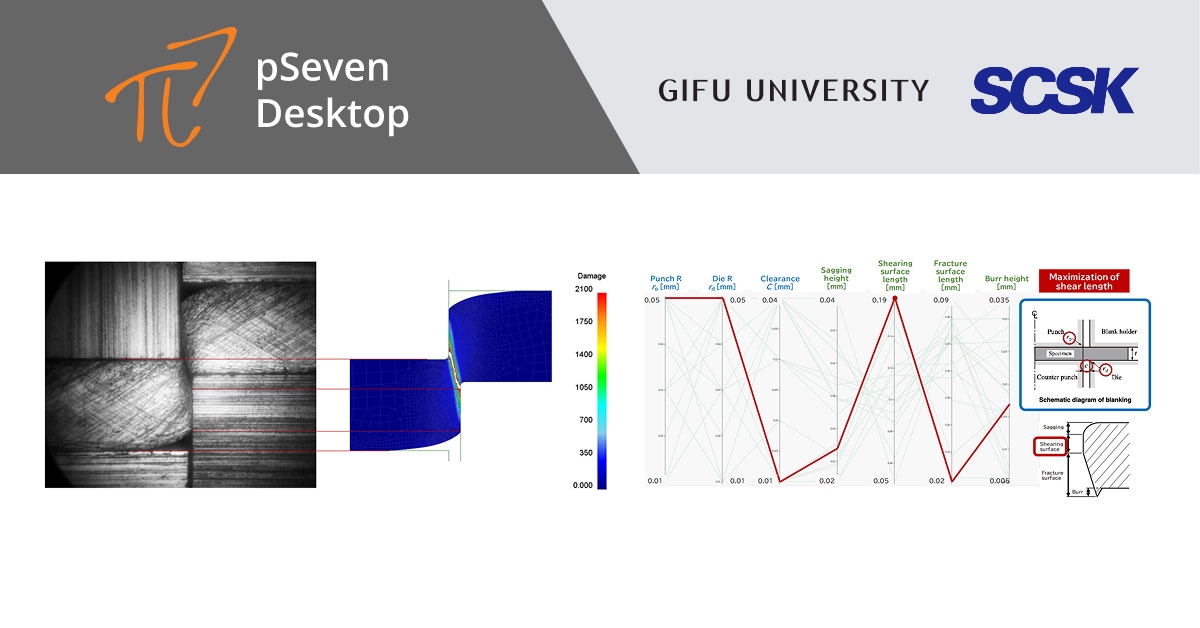
Autonomously-driven numerical simulation of plastic forming process
This article introduces the work of the Center of Advanced Die Engineering and Technology (G-CADET), a comprehensive manufacturing research center at Gifu University, highlighting its efforts to realize the automatic search for molding process conditions and autonomous operation by leveraging big data accumulated through optimization process.
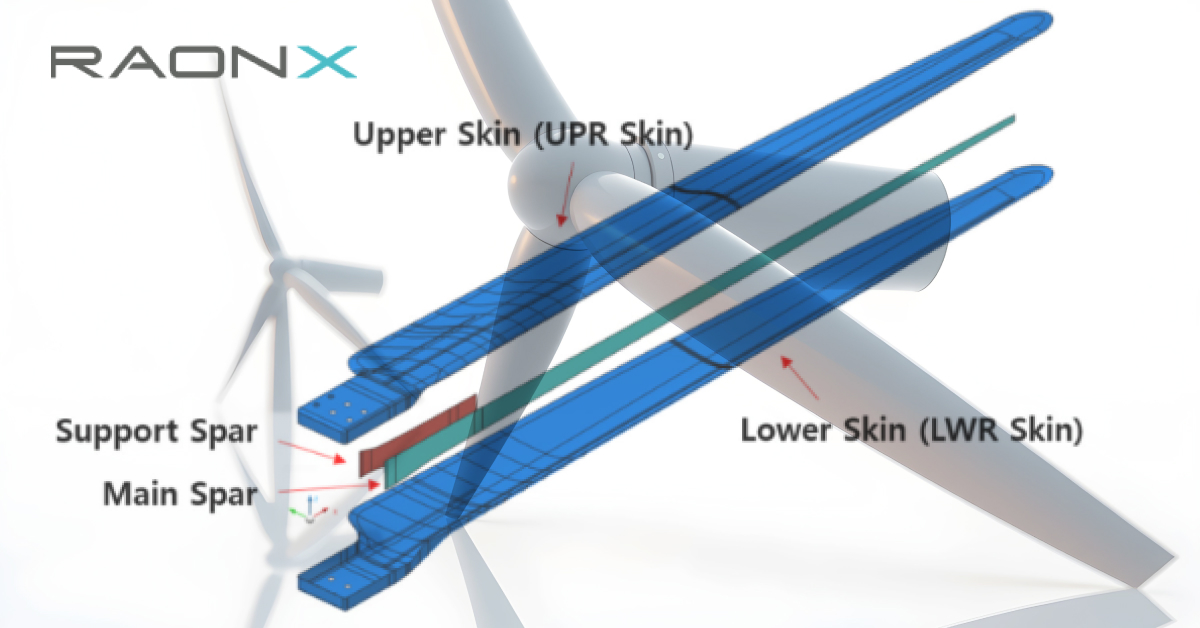
High-fidelity finite element model development for damage detection of wind turbine composite blades
The research article from our partner in Korea, RaonX. This study proposes a method for developing high-fidelity finite element (FE) models based on multiobjective optimization using pSeven's capabilities. Three 10-kW-class wind turbine blades were manufactured and tested. The modal parameter changes were measured and the modal analysis results were compared with the experimental results, proving the high-fidelity quality of the model-building approach.
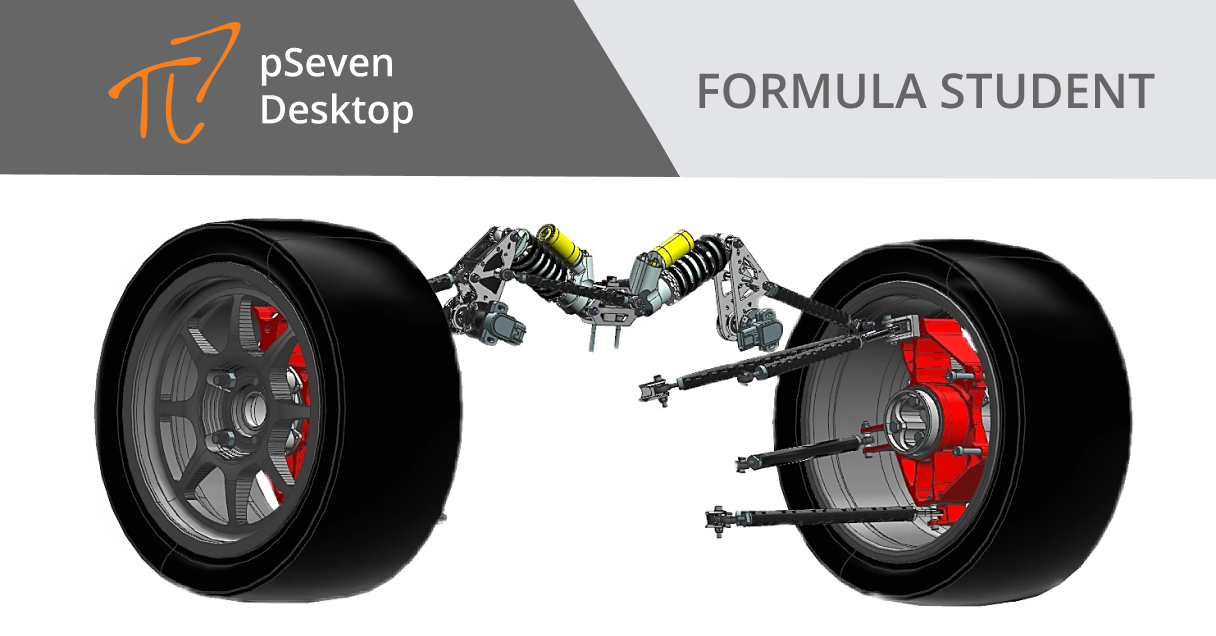
Bolide suspension optimization
Another Use Case for Formula Student. In this project, a group of students from the Formula Student optimized the attachment points of the rear suspension of the new version of their racing bolide using pSeven Desktop.
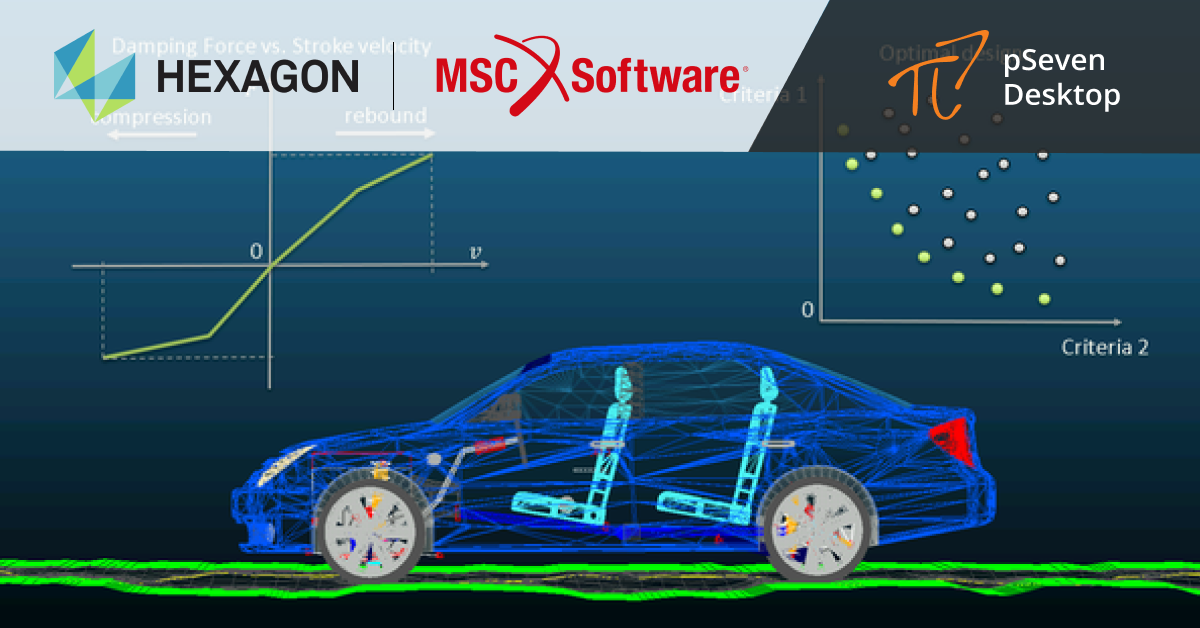
Virtual optimization of suspension parameters using Adams Car and pSeven Desktop
pSeven Desktop based project that allowed create an automated workflow for parametric analysis and optimization of car suspension dampers in order to ensure passenger vibration comfort and smooth vehicle behavior on the road.
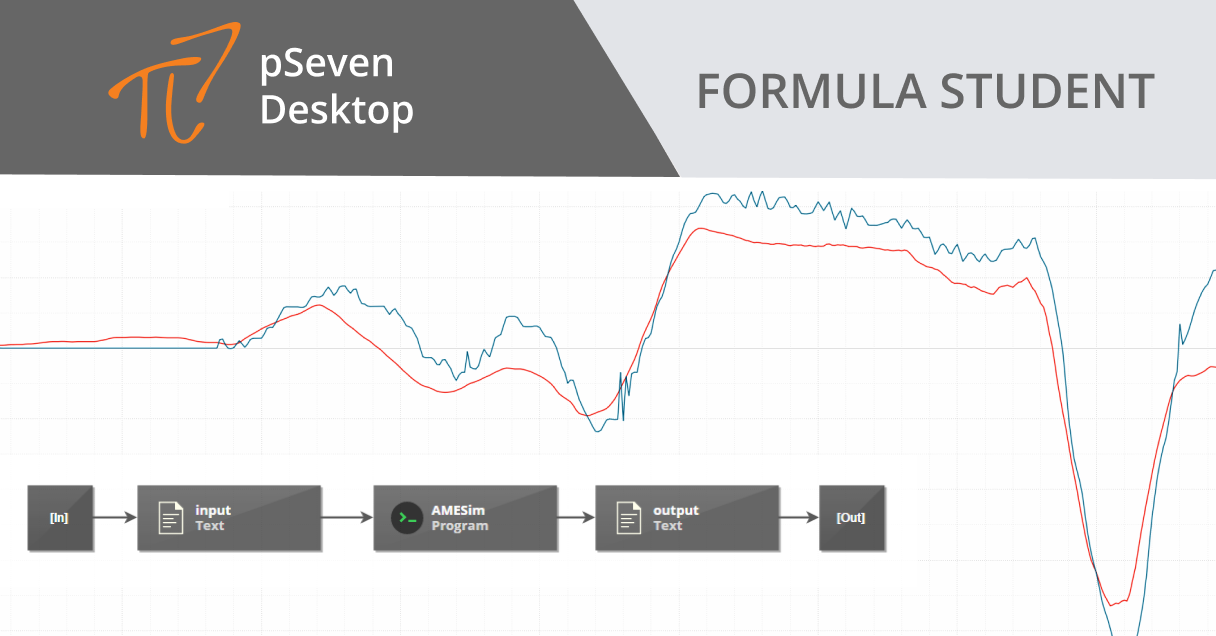
Tire dynamics model identification
pSeven Desktop based project for Formula Student, a student engineering competition held annually all over the world. The results allowed increasing the accuracy of the mathematical model of the longitudinal movement of the racing car, which even closer brought it to the real model of the car's behavior on the track.
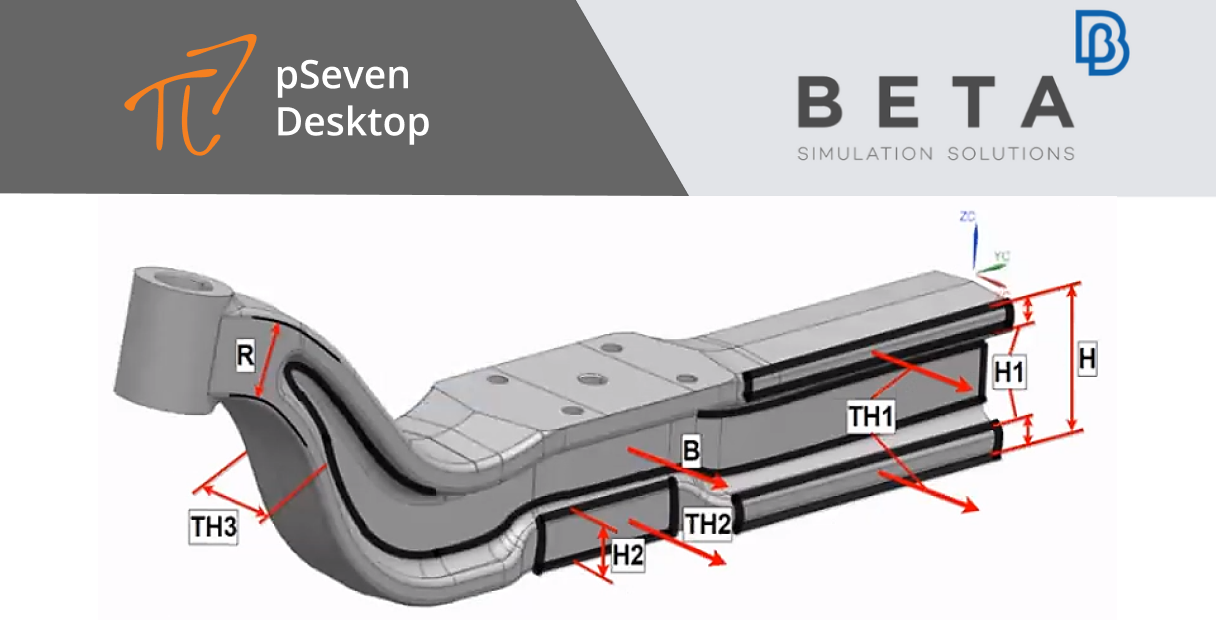
Benefits of optimization with parametric mesh morphing: ANSA and META integration in pSeven Desktop
Benefits of optimization with parametric mesh morphing: ANSA and META integration in pSeven Desktop. The Use Case that demonstrates the benefits of parametric mesh morphing in optimization studies compared to the typical CAD-based parameterization of geometry modifications.
Optimization study of bumper structure
Recording of the presentation Optimization Study of Bumper Structure by Güven Nergiz, CFD Engineer, BIAS
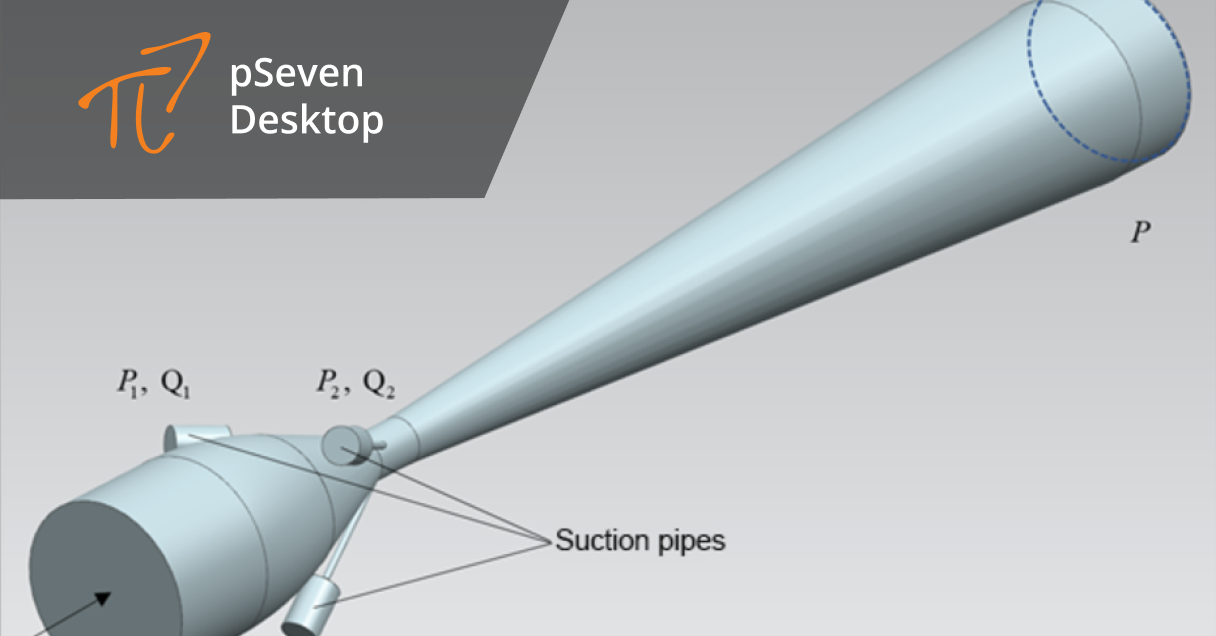
Approximation models for hydraulic components
Building an approximation model of an ejector with pSeven Desktop for fast and accurate iterative calculation of a hydraulic network
Automation of the rolling process using QForm and pSeven Desktop
This article discusses the automation of the design and optimization of the longitudinal rolling process using QForm and pSeven Desktop. The proposed solution demonstrates high efficiency and can be applied to other hot rolling technologies.
Autonomously-driven numerical simulation of plastic forming process
This article introduces the work of the Center of Advanced Die Engineering and Technology (G-CADET), a comprehensive manufacturing research center at Gifu University, highlighting its efforts to realize the automatic search for molding process conditions and autonomous operation by leveraging big data accumulated through optimization process.
High-fidelity finite element model development for damage detection of wind turbine composite blades
The research article from our partner in Korea, RaonX. This study proposes a method for developing high-fidelity finite element (FE) models based on multiobjective optimization using pSeven's capabilities. Three 10-kW-class wind turbine blades were manufactured and tested. The modal parameter changes were measured and the modal analysis results were compared with the experimental results, proving the high-fidelity quality of the model-building approach.
Bolide suspension optimization
Another Use Case for Formula Student. In this project, a group of students from the Formula Student optimized the attachment points of the rear suspension of the new version of their racing bolide using pSeven Desktop.
Virtual optimization of suspension parameters using Adams Car and pSeven Desktop
pSeven Desktop based project that allowed create an automated workflow for parametric analysis and optimization of car suspension dampers in order to ensure passenger vibration comfort and smooth vehicle behavior on the road.
Tire dynamics model identification
pSeven Desktop based project for Formula Student, a student engineering competition held annually all over the world. The results allowed increasing the accuracy of the mathematical model of the longitudinal movement of the racing car, which even closer brought it to the real model of the car's behavior on the track.
Benefits of optimization with parametric mesh morphing: ANSA and META integration in pSeven Desktop
Benefits of optimization with parametric mesh morphing: ANSA and META integration in pSeven Desktop. The Use Case that demonstrates the benefits of parametric mesh morphing in optimization studies compared to the typical CAD-based parameterization of geometry modifications.
Optimization study of bumper structure
Recording of the presentation Optimization Study of Bumper Structure by Güven Nergiz, CFD Engineer, BIAS
Approximation models for hydraulic components
Building an approximation model of an ejector with pSeven Desktop for fast and accurate iterative calculation of a hydraulic network

Design Exploration
pSeven Desktop allows efficiently exploring model behavior with a wide range of techniques for Design of Experiments (DoE) and solving single- and multi-objective Design Optimization problems with both fast to evaluate analytical models and computationally expensive simulations. With pSeven Desktop you can also assess the influence of uncertain parameters of a product on its' characteristics with Uncertainty Quantification (UQ) capabilities.

Predictive Modeling
By creating a predictive model from existing test, experimental and/or simulation data pSeven Desktop allows to predict response values for new designs, accelerate complex simulations by many orders of magnitude and capture essential knowledge from vast amounts of data. Such models are also often called approximation models, response surface models (RSM), reduced order models (ROM), surrogate models, metamodels etc.

Process Integration
pSeven Desktop is a platform that allows to capture even the most complex design processes by integrating tools for Design Exploration and CAD/CAE software you are using into a single workflow, define its logic and collect, analyze and reuse engineering data.

SmartSelection
SmartSelection is an approach in pSeven Desktop that automatically chooses the most efficient Design Exploration or Predictive Modeling technique for a given type of problem and data, hides techniques' internal complexity and opens expert level mathematics even for non-math experts.
What's new in pSeven Desktop?

Starting with version 2026.03, pSeven Desktop features a new direct integration block with Simcenter 3D. This block provides an easier way to automate workflows and facilitates design space exploration studies on simulation projects created in Simcenter 3D Pre/Post — a module of the Siemens NX platform. It helps to prepare and analyze finite element modeling tasks, including structural strength analysis, deformation calculation and multiphysics problems.
The block provides:
- Automatic processing of a Simcenter 3D project model into the block's parameter tree.
- Parameterization of simulation models (design variables, material properties, mesh element thickness, loads, boundary conditions, solver settings).
- Extraction and processing of simulation results, including deformed geometry and displacement fields, into the pSeven Desktop for subsequent analysis or DSE/optimization.

To configure the block, specify the path to the .sim simulation file. All associated project files (.fem, .prt) must be in the same directory, or the project can be prepared as a .zip archive. Select the tree nodes corresponding to the input and output model parameters that should be linked to the block's ports. If necessary, specify the path to the Simcenter 3D installation directory.
The block is available only on Windows and requires Simcenter 3D with a valid license.
Simcenter 3D is an integrated environment in which users can perform all of their CAE pre- and post-processing. Unrivaled geometry manipulation tools helps to intuitively defeature and abstract computer-aided design (CAD) geometry from any source. Comprehensive meshing and modeling tools support multiple simulation applications and give the unique capability to associate analysis model to design data. This helps to speed the tedious modeling process and keep analysis models in sync with the latest design.
Go to page navigate_next
Starting with version v2025.07, the pSeven Desktop includes a direct integration block with Abaqus for automating work and conducting parametric studies with Abaqus models.
This block works exclusively with the Abaqus section responsible for structural mechanics and provides:
- Automatic launch of the Abaqus solver and reading of its parameters in the block tree.
- Parameterization of simulation models (partial replacement of geometry, modification of initial and boundary conditions, loads setup and material properties).
- Uploading results to pSeven Desktop for subsequent postprocessing or DSE and optimization.

To configure the Abaqus block, specify the path to the project database in *.cae format. All other project files, including the pre-calculated database with the project calculation results *.odb, must be located in the same folder. Select the tree nodes corresponding to the input and output parameters of the Abaqus model, which must be linked to the input and output ports of the block. If necessary, specify the path to the installed Abaqus directory.
Abaqus is one of the world's most popular software tools for finite element analysis (FEA), including structural mechanics, material fatigue, contact interactions, heat transfer, acoustics, and multidisciplinary processes.
Go to page navigate_next
Before pSeven v2025.02 we recommended our users to integrate Simcenter Amesim using exposed parameters in the simulation model and batch-mode execution. Despite being a valid and generic approach, it still may not be convenient enough for daily usage.
Addressing the growing number of requests, we introduce a new Amesim block, which streamlines the integration to literally several clicks.
Just specify your Amesim project in the block and it will extract the whole tree of input and output parameters automatically – simply choose what you want to use in your workflow and your model is ready for automated execution, for example, in optimization studies.

Simcenter Amesim – is a mechatronic systems simulation platform by Siemens that allows design engineers to virtually assess and optimize the systems’ performance.
Go to page navigate_nextWhy choose pSeven Desktop?

From a technical point of view:
- Unique, fast and efficient optimization algorithms.
- Innovative techniques for predictive modeling.
- Automatic selection of the most efficient technique for a given problem and data.
- Powerful workflow engine for process integration and automation.

From a business point of view:
- Reduction of cost expensive physical and computational experiments.
- Reuse of already available in-house engineering data.
- Improved collaboration between different engineering departments.